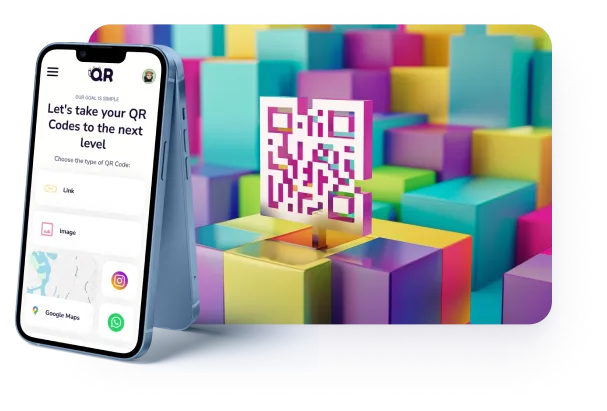
Create any type of QR code for free
Whether it is a PDF menu, a business card or just a link. You can count on QR-hi for all your needs.
 Link
Link  Image
Image 
 Google Maps
  Wifi
Wifi 

 Show more
 FREE FOREVER. NO CREDIT CARD
GUIDE
FEATURES
You can enjoy these features for free!

You can easily update the contents of a QR code, even after it has been downloaded and printed. This helps avoid any costly errors. You can always offer the latest information to your clients.

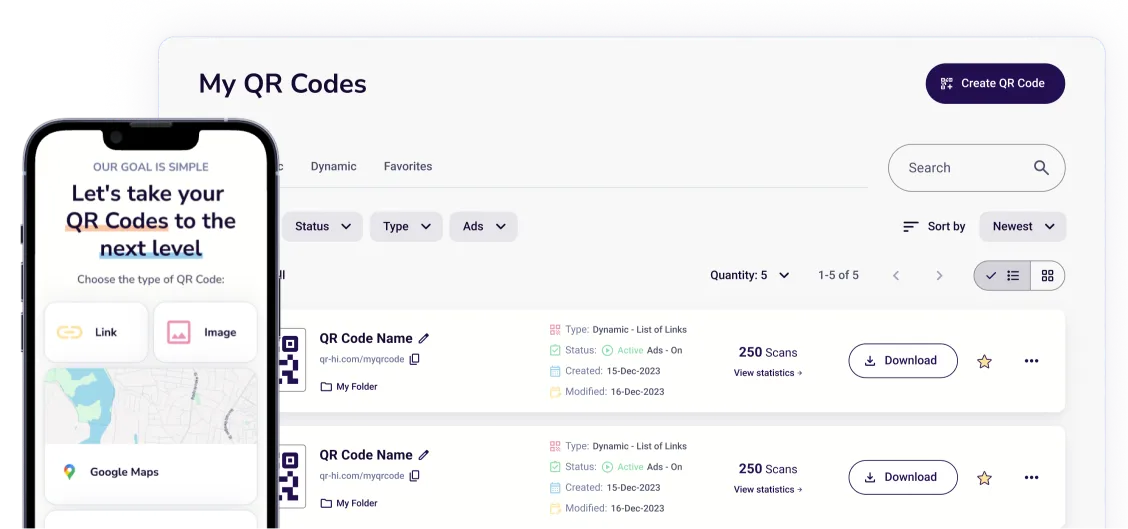
Use the free dashboard to view your QR code scan tracking and analytics. See how many times your QR codes were scanned - when and where by which device type.


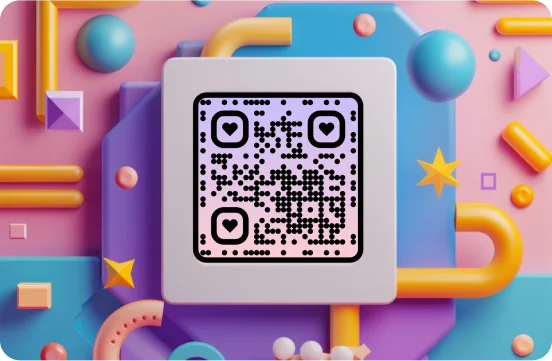
Add all kinds of design magic. Custom shapes and colors make your QR codes come to life. Choose from a round QR code or add a logo in the middle.
You can create as many QR codes as you need. Our free QR tool is always online and easy to use. You don’t need to worry about spending time learning the tool.


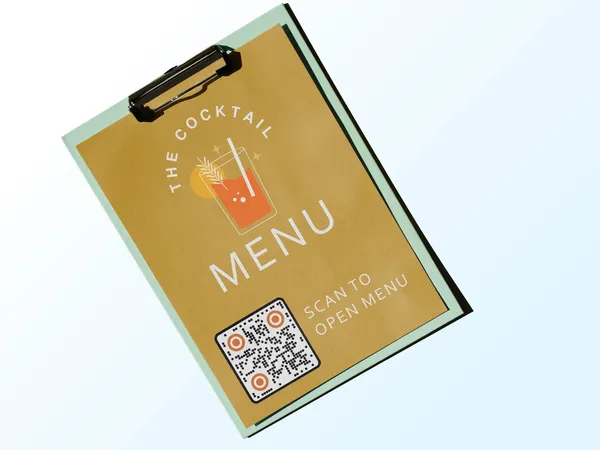
Whether it is a PDF menu, a business card or just a link. You can count on QR-hi for all your needs.
QR CODE TYPES
Choose the type of content you wish to share
 LinkPDF
 Image
Image Google Maps
 vCard
vCard Youtube


 Wifi
Wifi
 Google Forms
 Text
Text Google Review
 Logo
Logo Audio
Audio Email
Email
 X (Twitter)
 PNG
PNG
COMMON USAGE
Find inspiration from these use cases
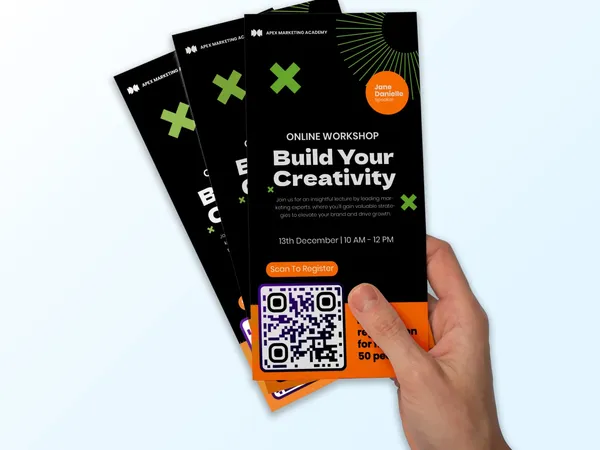
Keep track of your URLs and replace or fix them at any time. Even after you've printed them.
FAQ
You can create unlimited QR codes for free with QR-hi. Free QR codes will show advertisements to help keep our service running. If you would like to remove advertisements, you can take a look at our pricing page.
All QR codes created with QR-hi are safe and do not expire. You can always return to our site to make any edits to your QR codes as needed.
Firstly, you need to create a QR Code. Then, you can track your QR code scans by logging into the QR-hi dashboard. You can see the time and date of the scans in addition to the location and device type.
It is a two-dimensional barcode that can hold any data you need. This can range from contact information to image and video files. You can see our use cases to get a better idea how QR codes are being used.
It depends on the type of information you need to share. Take a look at our QR code types to get a better overview. Each QR code type is easily named by what it does. For example you can share a link, your social media page, and much more.
Yes you can. Add a logo, change the shape and colors, or other branding elements. This way you can make your QR code visually appealing and aligned with your brand.
Yes you can. Most of our QR codes are dynamic, so you can always edit the contents of the QR code. You can even change the type of QR code while keeping the same printed codes. This helps save costs on printing and reduces waste.
You can easily create a transparent background. The formats that support this feature are PNG, SVG and PDF. This is helpful if you need to place the QR code on an image or the background color may change in your design.
QR codes do not have to be black and white. You can definitely add color or accents as much as you wish. However, if the QR code doesn’t have enough contrast with its background, then it can fail to scan. For this reason we always recommend to use a light QR code on a dark background and vice versa.
The most commonly used format for QR codes is PNG. It’s compatible with various editing programs and supports a transparent background. However, we would recommend downloading in vector format like SVG or PDF. The vector format makes sure your QR codes are always sharp in quality for any size you need to print them.
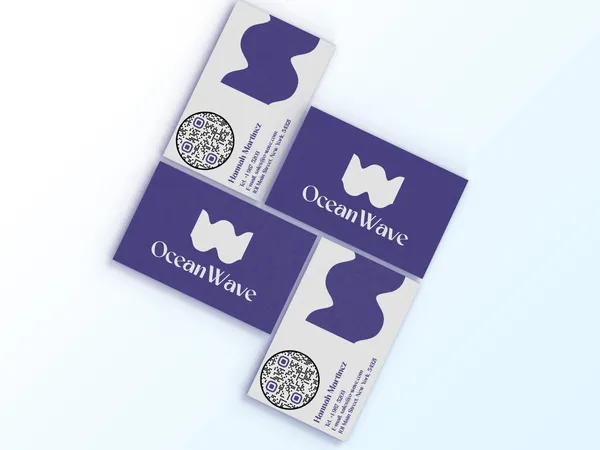
The smaller you make it, the harder it will be to scan. We wouldn’t recommend anything smaller than 2 x 2 cm (or 1 x 1 inches). It depends on your use case and the scanning distance. A business card QR code should definitely be smaller than a wall poster QR code.
Open the camera app on your smartphone. Point it towards the QR code. A notification should appear for both iOS and Android. If nothing happened, you may need to check your settings on Android to make sure QR code scanning is enabled. If this doesn’t work, you can always download a free QR code scanner app.
Nowadays most Android and iOS users do not need any QR code scanner apps. You can simply open the camera application and point it towards the QR code. A notification should appear.
If your QR code is not scanning at all then it could be damaged, blurry, or missing contrast in colors. If the background is too similar to the QR code color, it may not scan.
GET STARTED NOW
It’s 100% free. No credit card required. Give it a try today.